5 of these images are real, 5 were generated by AI. Can you tell?
A quick test, and the explanation of what separates an image that feels real from one that feels synthetic. Spoiler, the secret isn't AI.
29 Apr 20269 min readBy Hugo C.AI, creative direction, craft
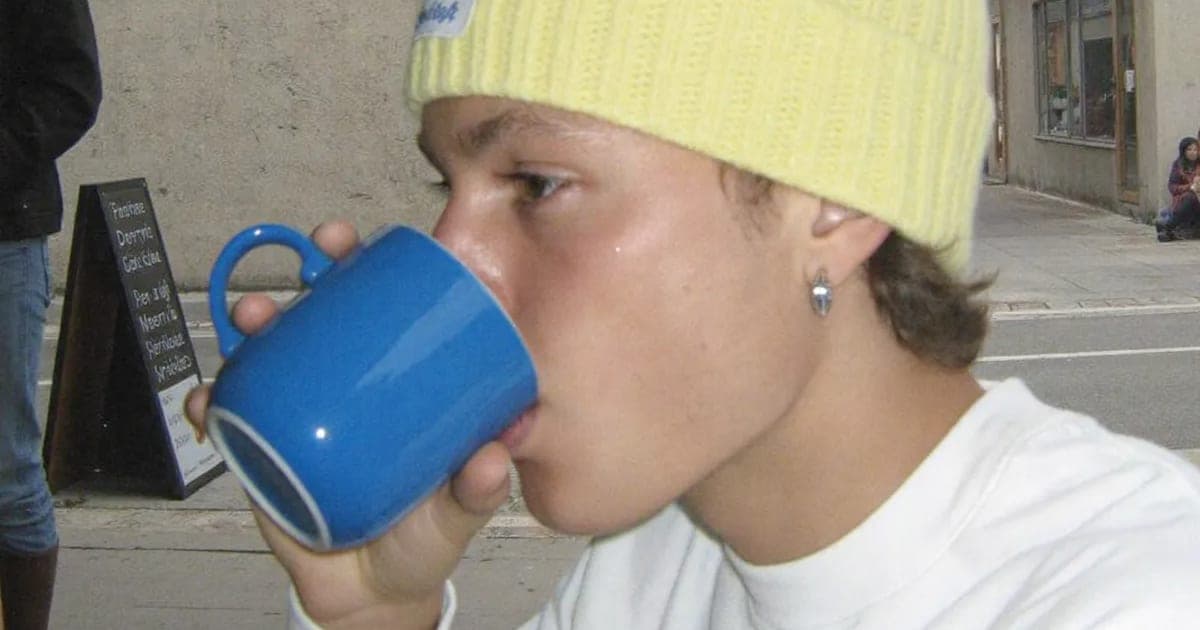
quick test, 30 seconds
Five of these images were taken with a camera, five were generated by AI. Pick the ones you think are generated, then reveal.
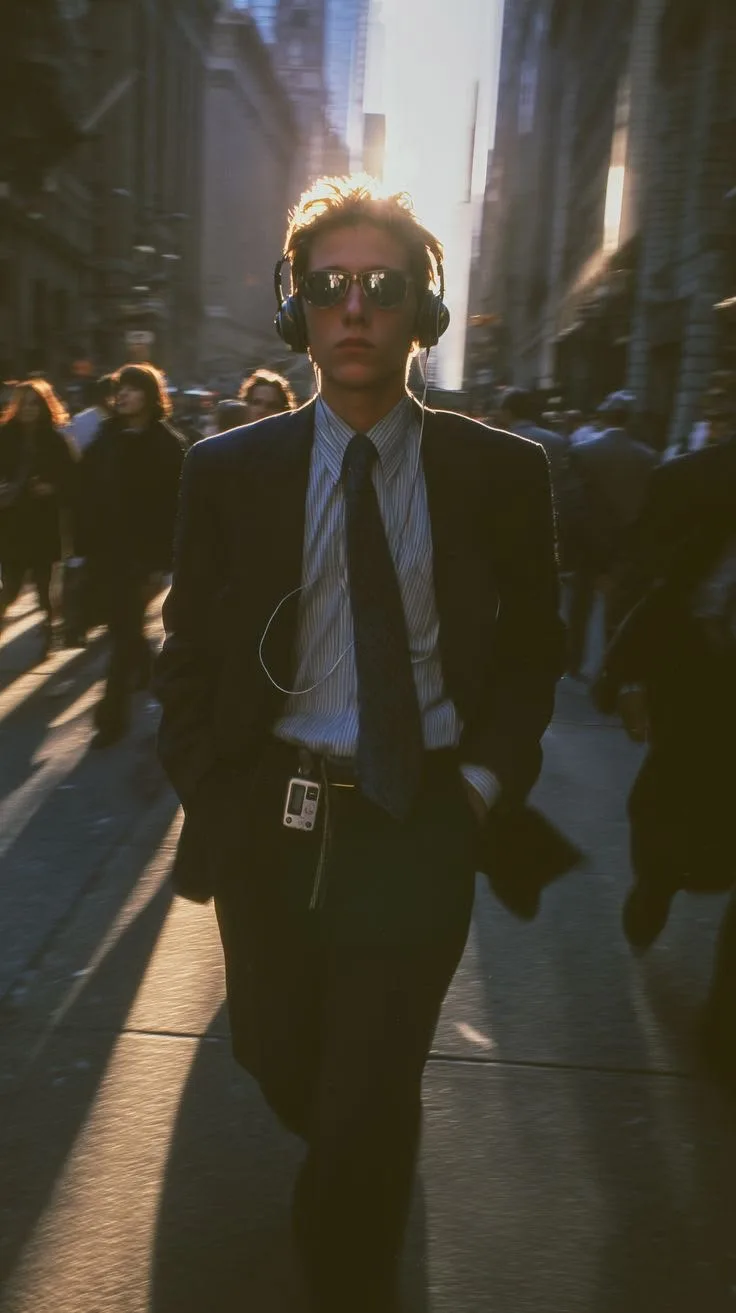
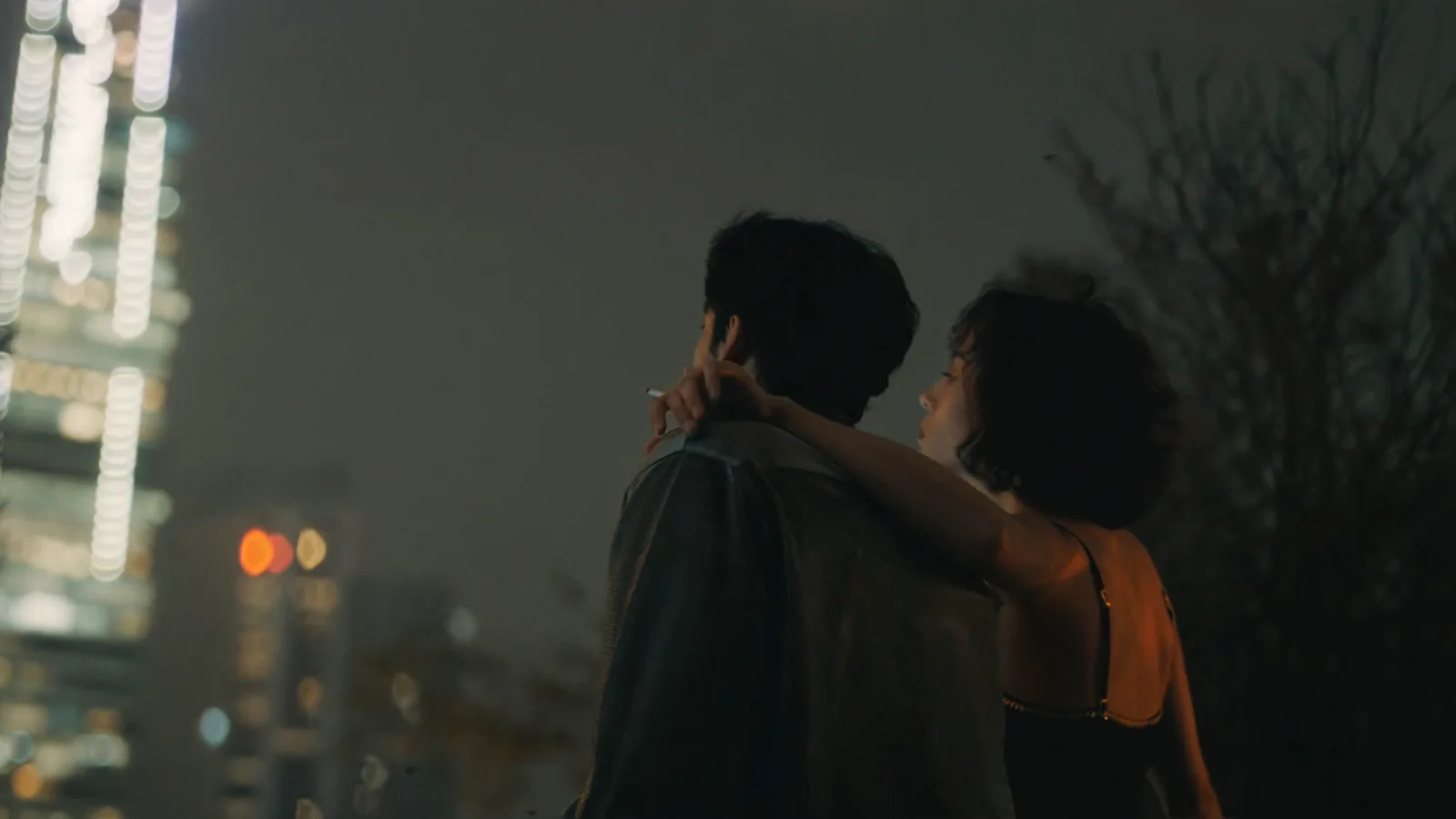
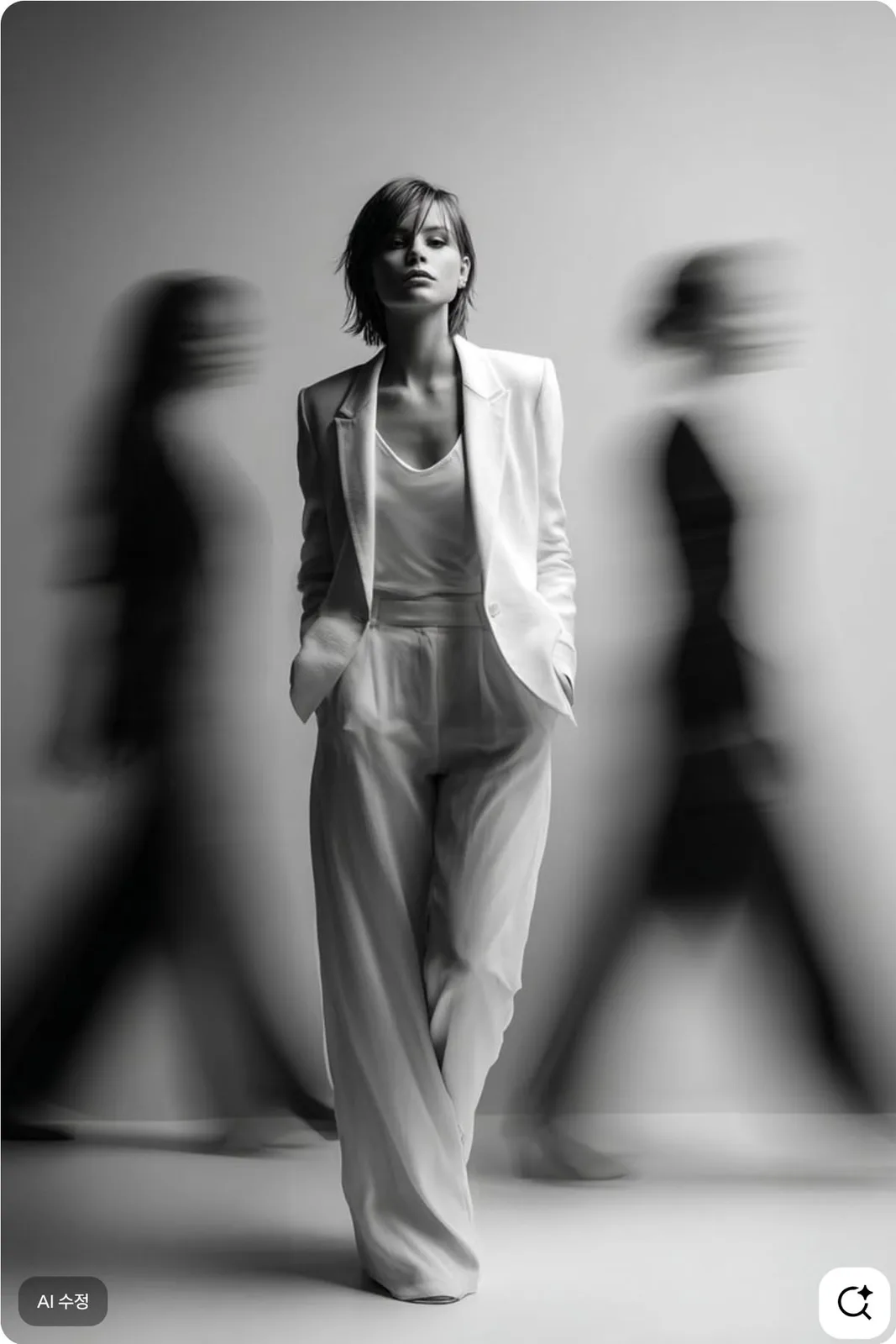
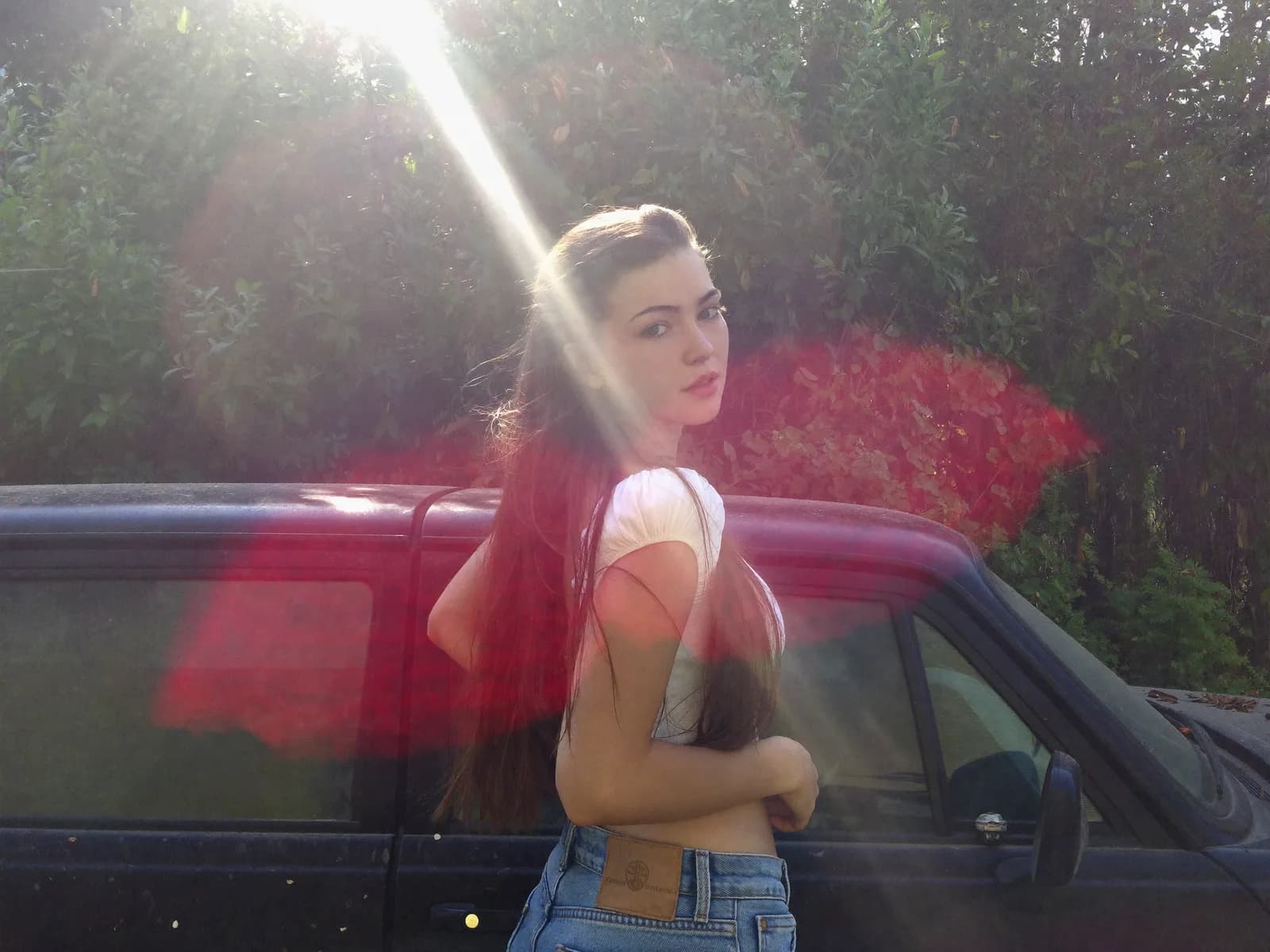
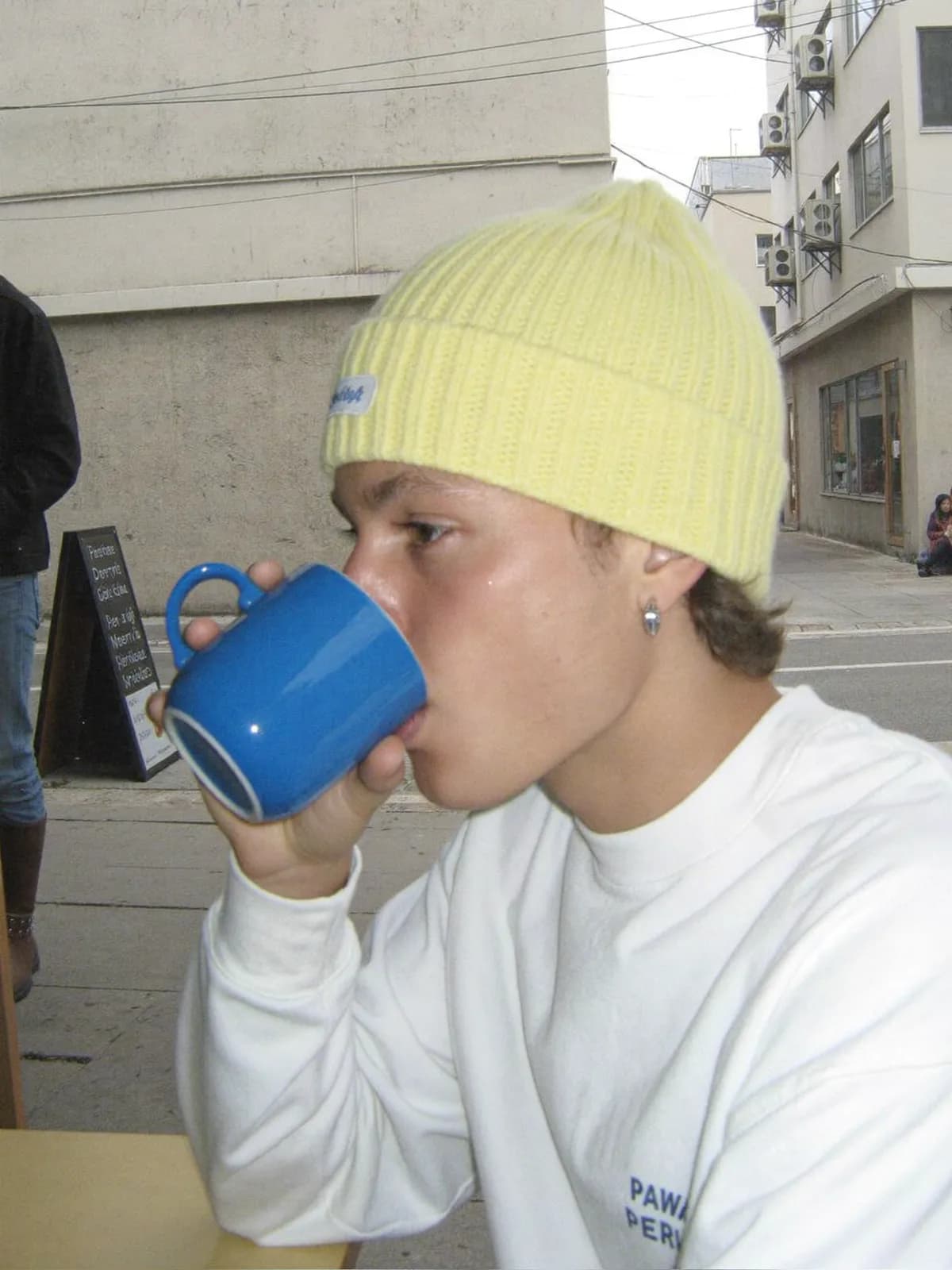
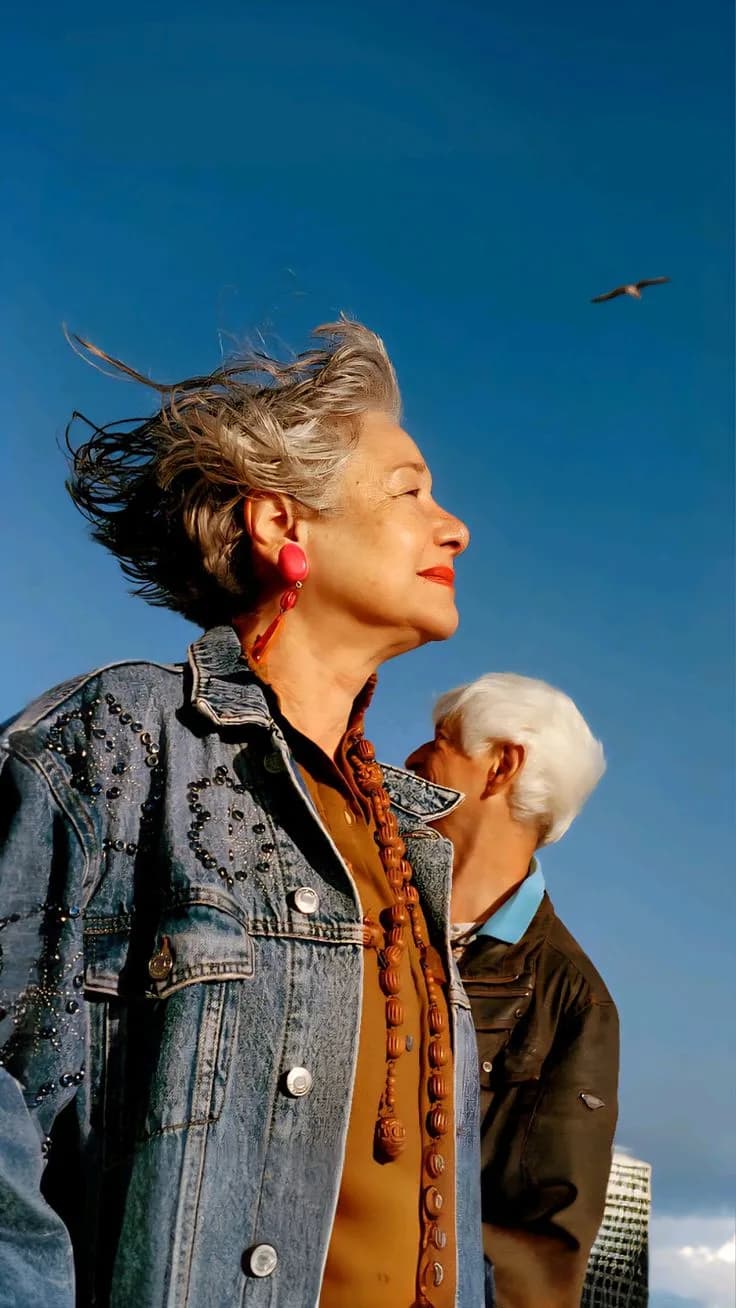
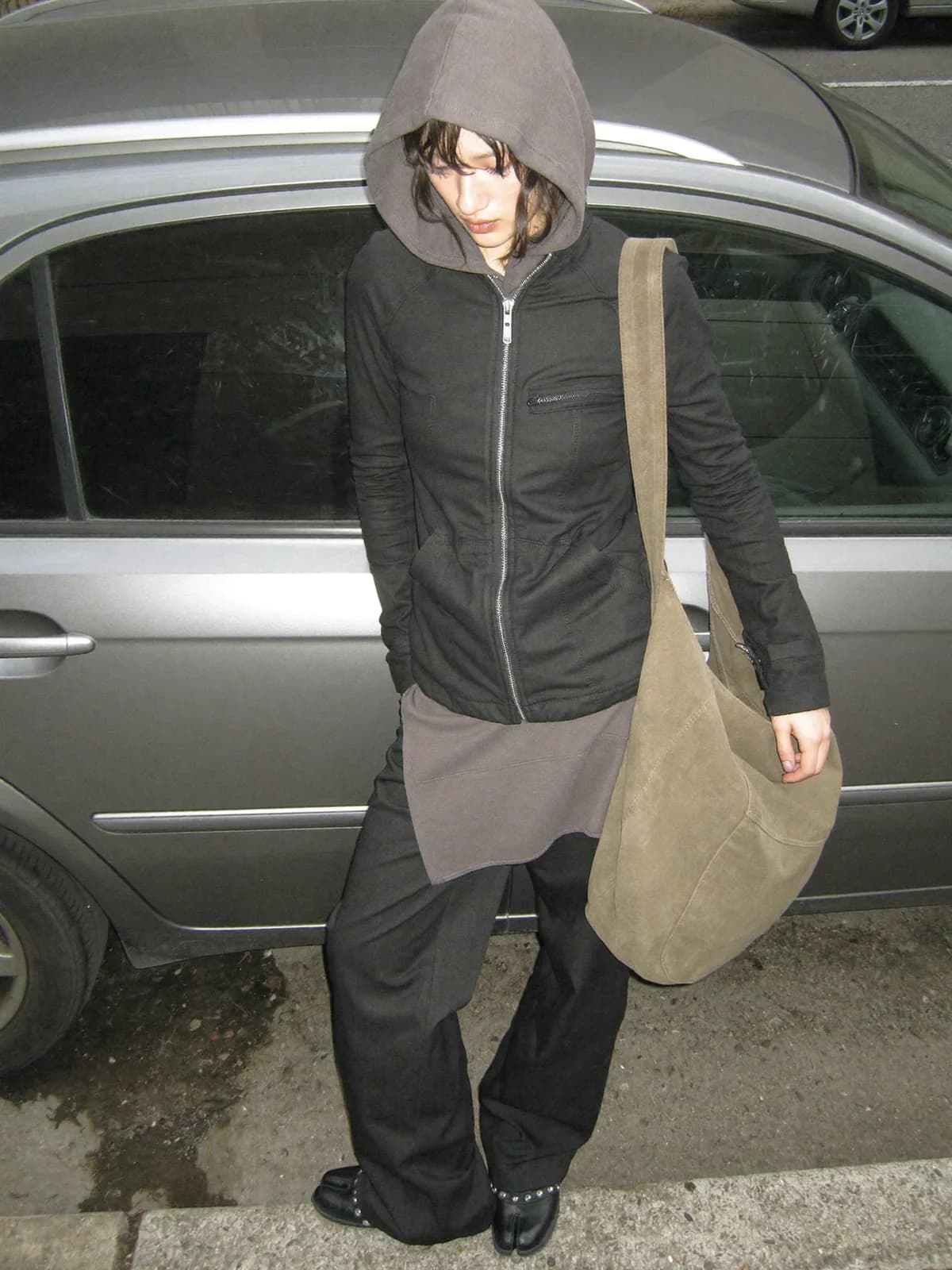
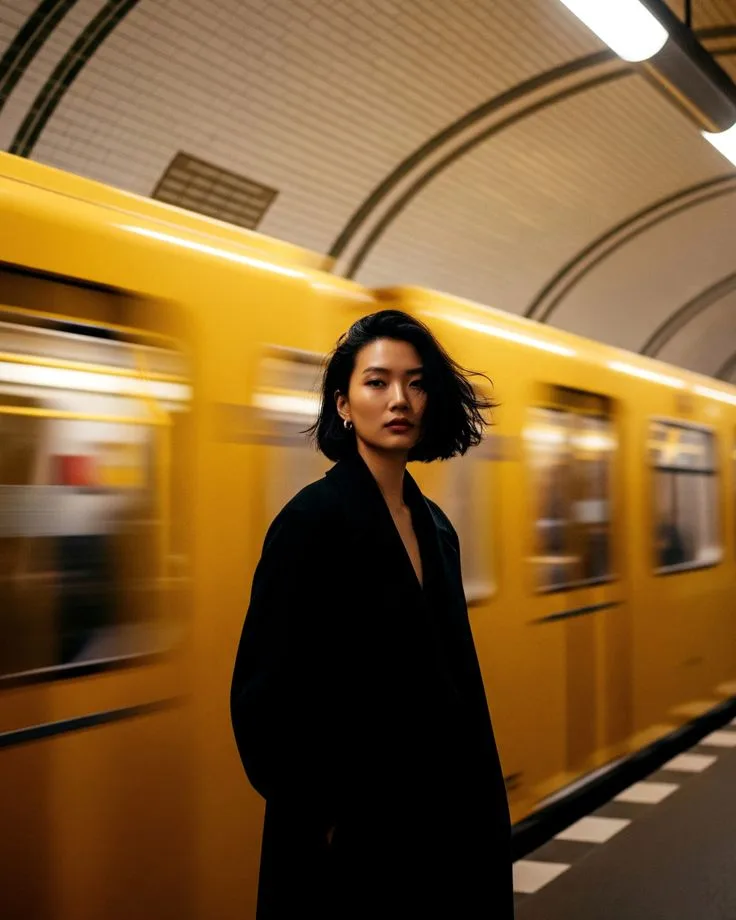
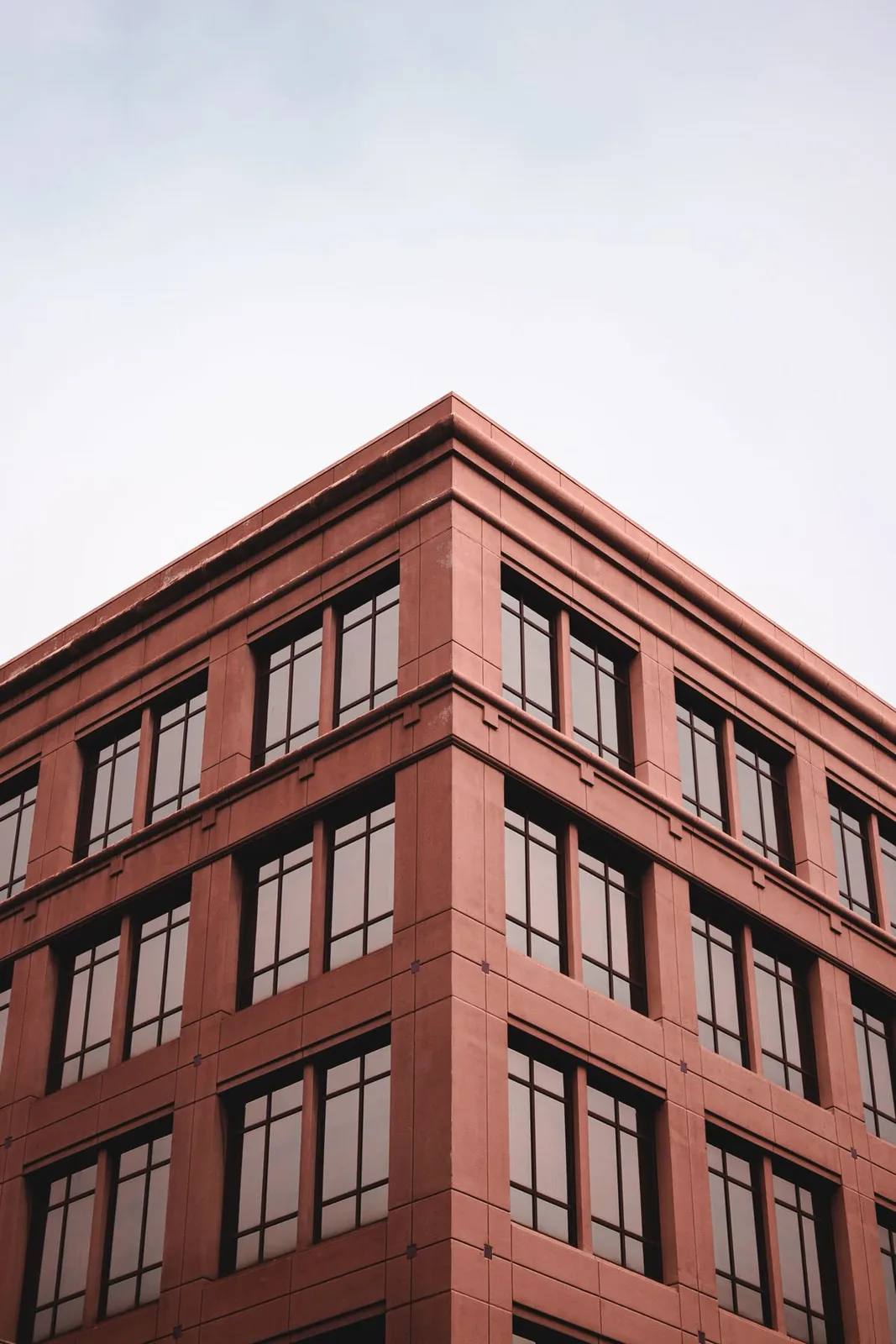
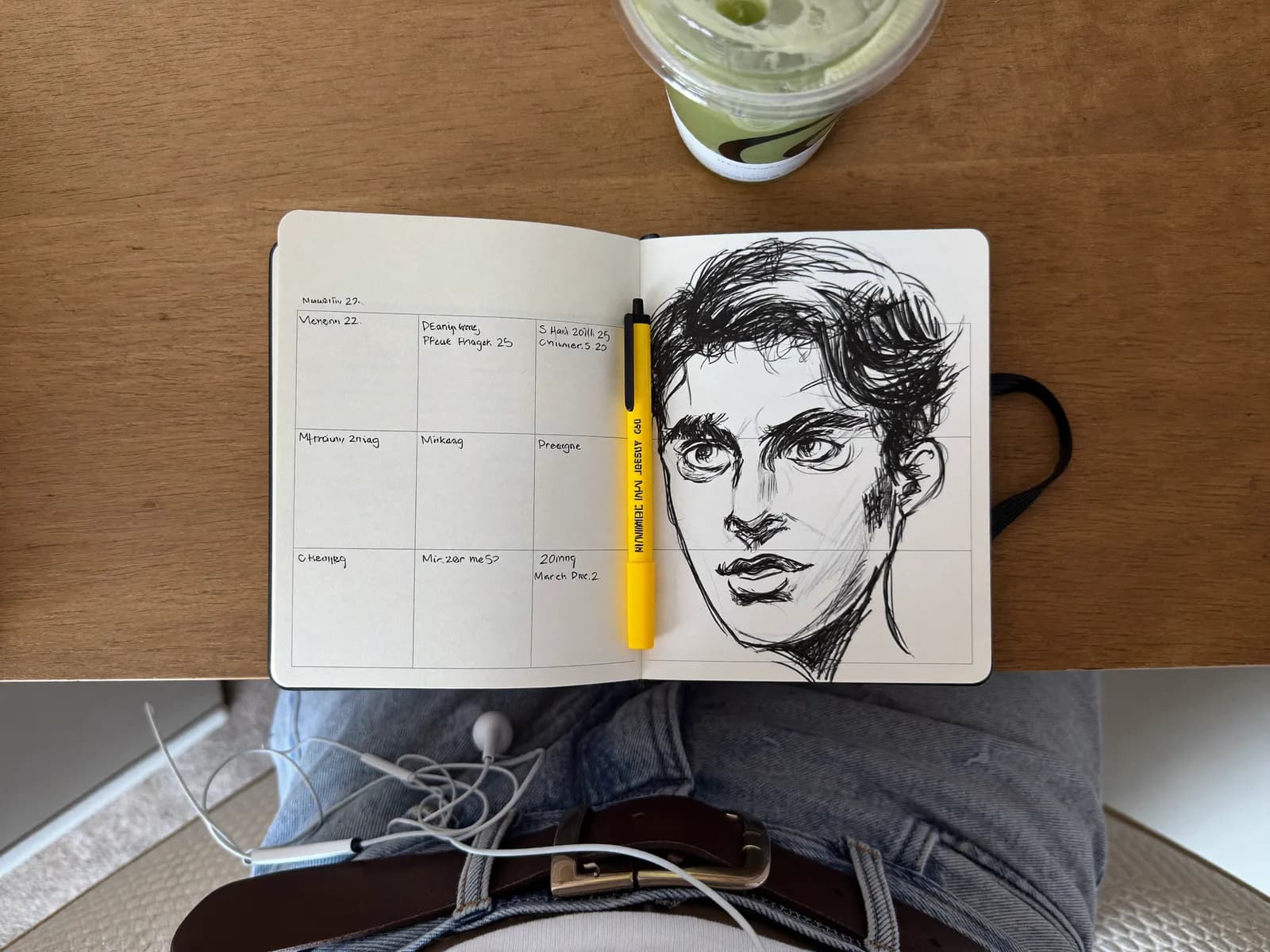
Stop. Look closely. Five of these images were taken with a camera, five were generated by AI. Take the 30 seconds you need.
Done?
If you were curious, images 2, 4, 5, 7 and 10 were generated by AI. The rest are real.
Now, the more interesting question.
If you got it right, what gave it away?
Probably not just one thing. It was a set of small clues your brain processed in the background. Plastic skin textures. Reflections that don't make sense. Shadows that don't match the light. Or simply a feeling of "this is too clean".
And if you missed a few, that's fine too. That's the whole point of this article.
What makes an image look AI generated
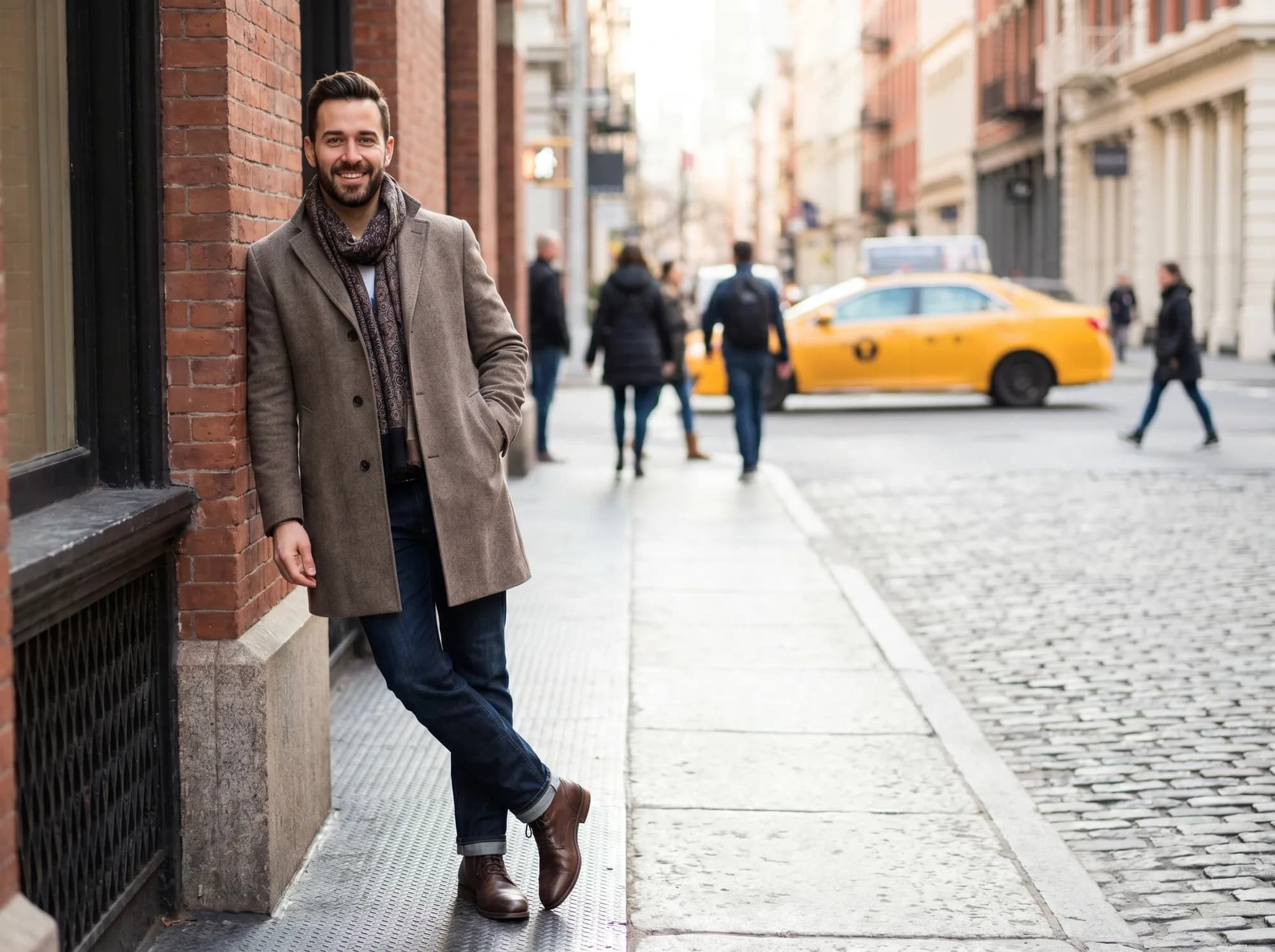
The image above was generated by a simple prompt in an AI generator, with no extra input. The result is what everyone knows. It doesn't work for a brand.
Several things give it away:
- textures that look too uniform
- lighting that doesn't respect a coherent source
- details that fall apart when you look twice
Most people recognise this on first look. And once they recognise it, trust in the brand drops. In seconds.
The secret is simpler than you think
The fix isn't to wait for the next generation of models. The current ones are incredible, even scary.
The whole thing comes down to one thing.
Human work.
Specifically, giving the generator a real starting point. A photograph of yours, even simple, even taken with your phone. The difference between 100% AI and AI combined with real human input is huge. And the good part is that you can do this yourself.
Here's a practical example.
Imagine you sell pens
You want product photos for your website and Instagram. You don't have the budget for a photographer, but a phone is more than enough for the first step.
Step 1, take the base photo
Pick up your phone. Place the pen on a table with natural light, or by a window. No elaborate scene, no creative direction, no filters. Just the product, visible, in focus.
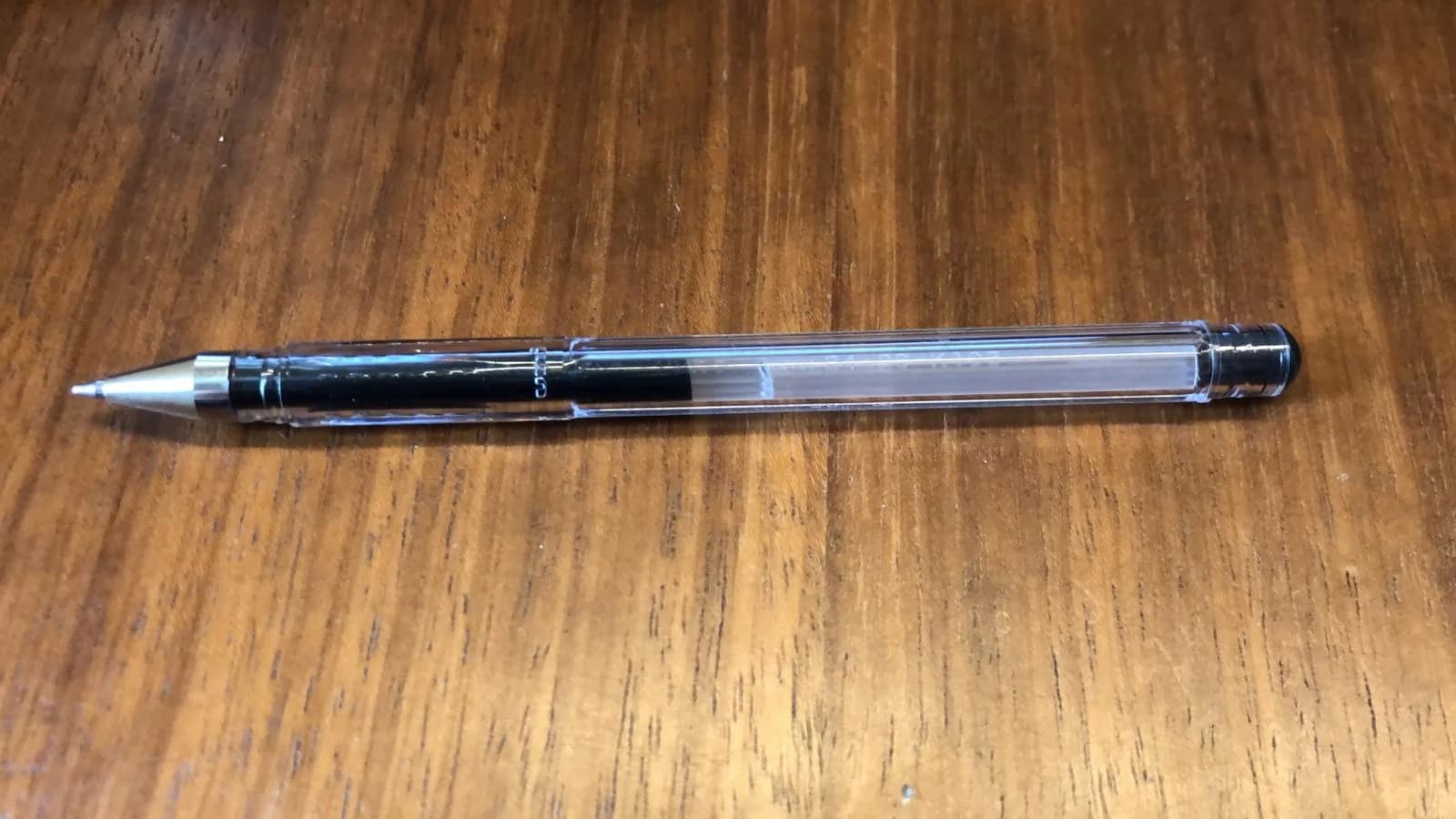
This photo alone won't publish anything. But it will be the most important reference of the whole process.
Step 2, generate prompts with help from an AI agent
Here, most people make the mistake of going straight to an image generator, writing a short prompt, and accepting whatever comes back. It works, but you lose 80% of the possible quality.
Our recommendation, open ChatGPT, or another AI agent you use, and ask it to think for you first. Something like this:
I have a photograph of my product, a pen with black ink, I'm attaching it. I need you to do two things:
- Think of 3 creative ideas for high quality images that work for viral Instagram posts. These images must contain the pen.
- Give me a detailed prompt for each idea to use in an AI image generator. The prompt must ask the generator to fully preserve every detail of the attached pen. This image is the reference for our product. Include the image ratio for an Instagram post.
Before you send the message, attach the photo you took with the phone to the conversation. Without the visual reference, ChatGPT will invent a pen out of thin air and the prompts lose fidelity to your real product. This step looks obvious but it's the most common mistake.
That's it. ChatGPT returns three concepts with prompts ready to copy and paste.
Before jumping to the next step, one detail to watch: each prompt will include the image ratio at the end (4:5, 2:3, 1:1, and so on). Keep the ratio of each prompt in mind, we'll need it right after, in the image generator.
The three prompts we got for this exercise were:
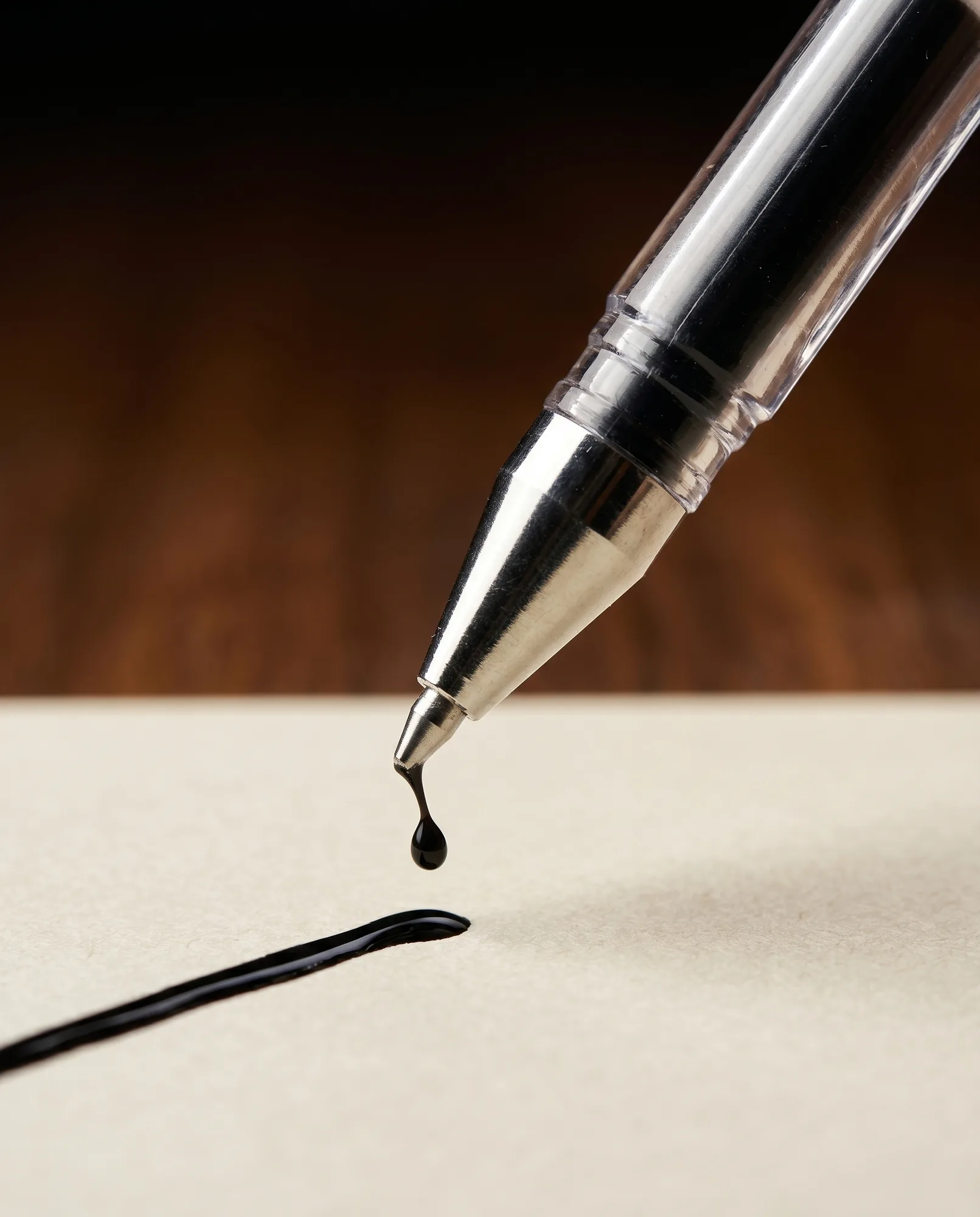
Idea 1, cinematic macro of the ink stroke
Cinematic ultra-macro product photography of the EXACT pen from the
reference image. Do not alter any detail of the pen: preserve the
transparent plastic body, black ink section, silver metallic tip,
black end cap, identical proportions, materials and finishes. The pen
is held at a 30-degree angle, drawing a glossy fresh black ink line on
textured cream paper. A single suspended droplet of black ink falls
from the tip, frozen in motion. Shallow depth of field, f/2.0, extreme
close-up on the metallic tip. Soft directional studio lighting with
subtle rim light catching the chrome detail. Dark moody background,
warm wood blurred bokeh. Hyper-realistic, 8k, jewelry-grade product
photography. Aspect ratio 4:5.
Keep in mind: ratio 4:5.
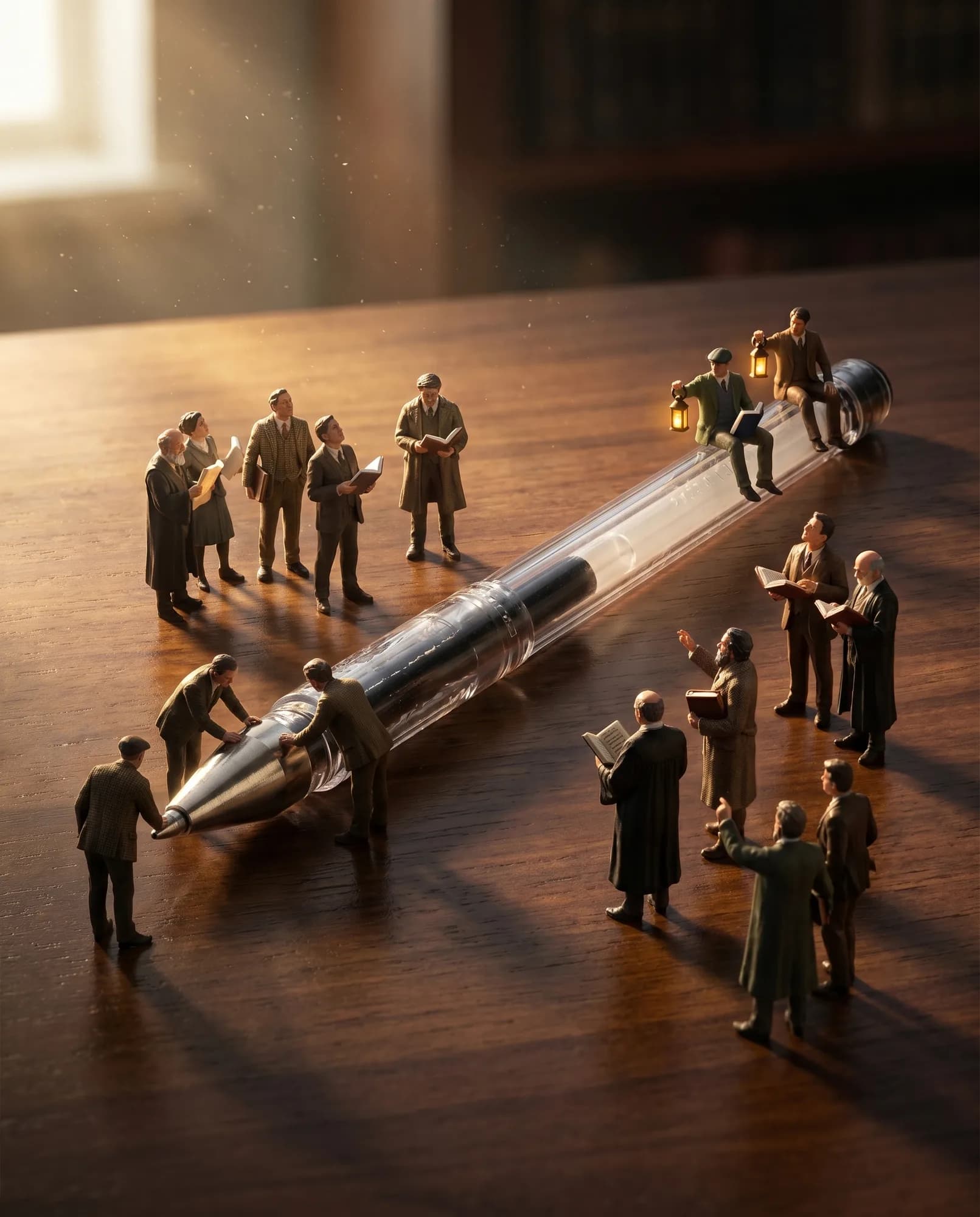
Idea 2, surreal scale, the pen as a monument
Hyper-realistic miniature diorama photography. The EXACT pen from the
reference image lies horizontally on a polished dark walnut desk. Do
not modify the pen in any way: keep the transparent body, black ink
core, silver metal tip, black end cap, exact dimensions, materials and
details intact. Around the pen, tiny 1:50 scale human figures dressed
as scholars and writers in dark academia attire are gathered as if
visiting a colossal monument. Some figures touch the pen tip with
reverence, others stand on the cap holding tiny lanterns. Cinematic
low-angle shot, dramatic chiaroscuro lighting, golden hour light
streaming from the side, long shadows. Floating dust particles in the
air. Photorealistic, surreal scale, 8k, National Geographic style.
Aspect ratio 4:5.
Keep in mind: ratio 4:5.
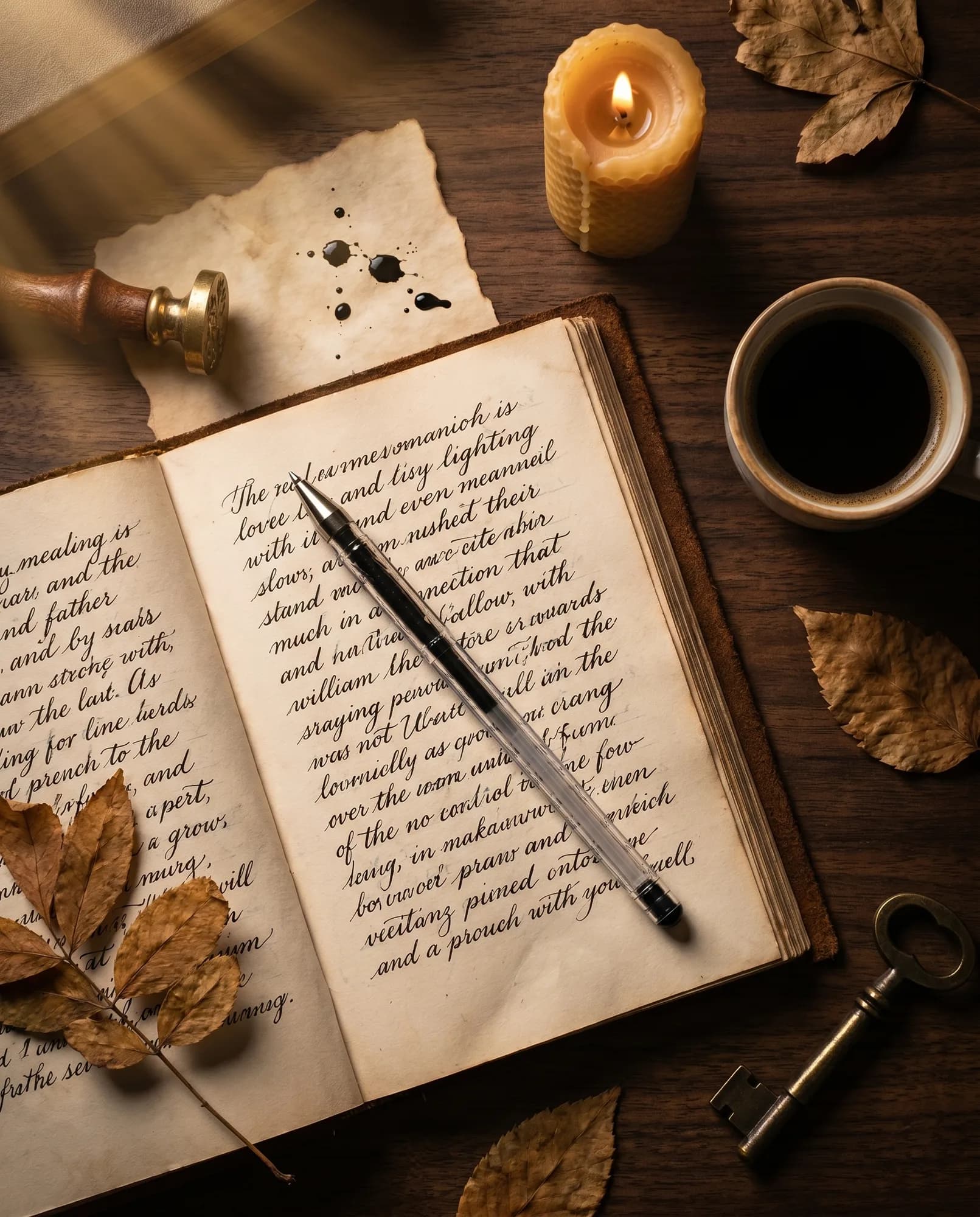
Idea 3, dark academia flat lay
Top-down flat lay photography on a dark walnut wooden desk. The hero
of the composition is the EXACT pen from the reference image. Do not
change any aspect of the pen: preserve the transparent plastic body,
black ink section, silver metallic tip, black end cap, identical
materials and proportions. The pen rests diagonally across an open
vintage leather journal with handwritten black ink calligraphy.
Surrounding props: a brass wax seal stamp, scattered black ink drops
on parchment, a lit beeswax candle with soft flame, a small ceramic
cup of black coffee, dried botanical leaves, an antique brass key.
Moody dark academia aesthetic, warm golden window light from the upper
left, deep shadows. Rich earthy palette, dark browns, deep blacks,
amber highlights. Hyper-detailed, editorial lifestyle photography, 8k.
Aspect ratio 4:5.
Keep in mind: ratio 4:5.
Step 3, generate the images
Our pick in 2026 is Nano Banana Pro. Easy to use, and available for free on a few platforms like Google Labs Flow, Nano Banana, or the AI design tool inside CapCut.
In our case we use Higgsfield AI. It's a paid platform, plans start at 15 USD per month, but in return you get dozens of cutting-edge image, video and audio generators in one place. We have no paid partnership with them, we recommend it for the breadth of the offer.
Whatever the tool, the flow is the same:
- attach the photo you took with the phone
- paste one of the prompts ChatGPT gave you
- select the ratio you kept from the prompt (4:5 in our case)
- click generate and wait
- repeat for the other two prompts
You may need to generate 2 to 5 versions per prompt to pick the best one, but the first is usually close to what you want. If something fails (the pen loses a detail, the light goes off), go back to ChatGPT and ask to adjust the original prompt.
Why this actually works
Here's the part that matters for your business.
AI alone, in 2026, makes images that fool almost no one. People are trained to spot AI, and once they do, trust in the brand drops. In B2C, one dubious image is enough to lose a sale.
AI combined with real human input produces something else. The model isn't inventing your pen out of nothing, it's dressing it with a setting. The real object is still there. The proportions are right because they came from a photograph. The product textures hold up because the model has an exact reference. The result is an image that nobody looks at and thinks "this is AI", because, in fact, it isn't only AI.
It's craft, with AI inside.
Where else this applies
This process works with almost any kind of image you need for your business:
- product photography
- people photography (when you have a good base and want variations of scenery and lighting)
- space photography (shop, office, factory)
- equipment or machinery photography
- editorial details for social or for the website
The rule is the same in every case. Take the base photo. Ask for ideas before asking for images. Use the best generator you have access to. Iterate.
A note before closing
This process solves marketing photography. For campaign images, social, posts, recurring content, it's an excellent tool, and using it well beats not using it at all.
For the foundation of your brand, however, the principle is the same at another scale. Tools amplify what you put in. If the human input is shallow (any photo, any direction, any idea), the output will be too. AI doesn't replace the decisions, it just executes faster the ones you already made.
That's why the part that still matters is exactly the part that looks the least sexy: the honest phone photograph, the well-thought-out prompt, the iteration on top of the result. The rest is just a tool.